PenDraw
A downloadable App for Android
PENDRAW v1.3 beta
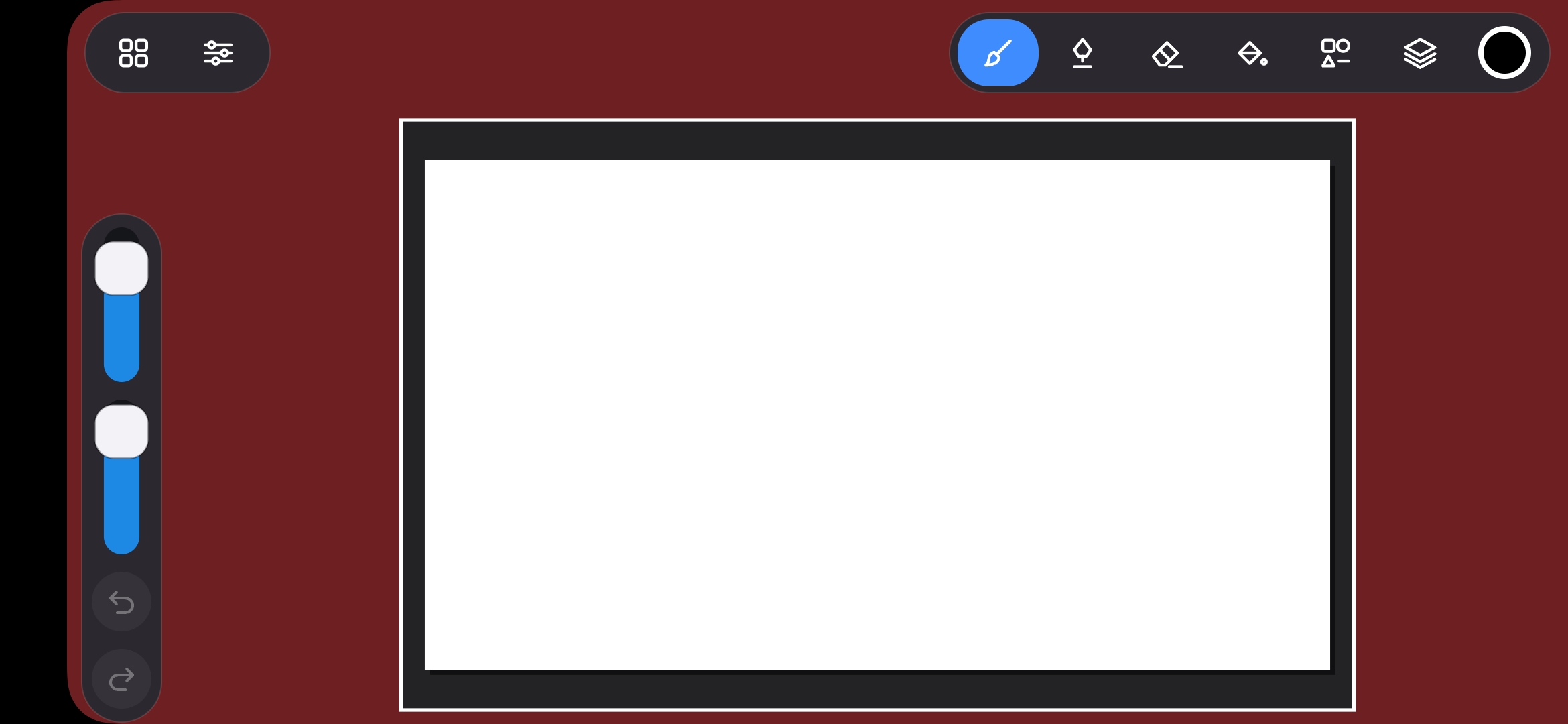
A drawing app I made. Fully functional, basic features for now — more coming later. It fully supports the Huion Inspiroy H640P (and other sizes).
Heads up: You need to allow USB access, because that's how the tablet connects. There's also a small black screen bug. Workaround:
- lock your phone/tablet
- wait 5 seconds
- unlock the device
What it can do
Tools. 18 basic and extra tools: pen, pencil, eraser, bucket with tolerance and area expansion, eyedropper, line, rectangle, ellipse, gradient, and smudge. All have live preview, all go into history, all support symmetry and hold-key snapping to 45° or square.
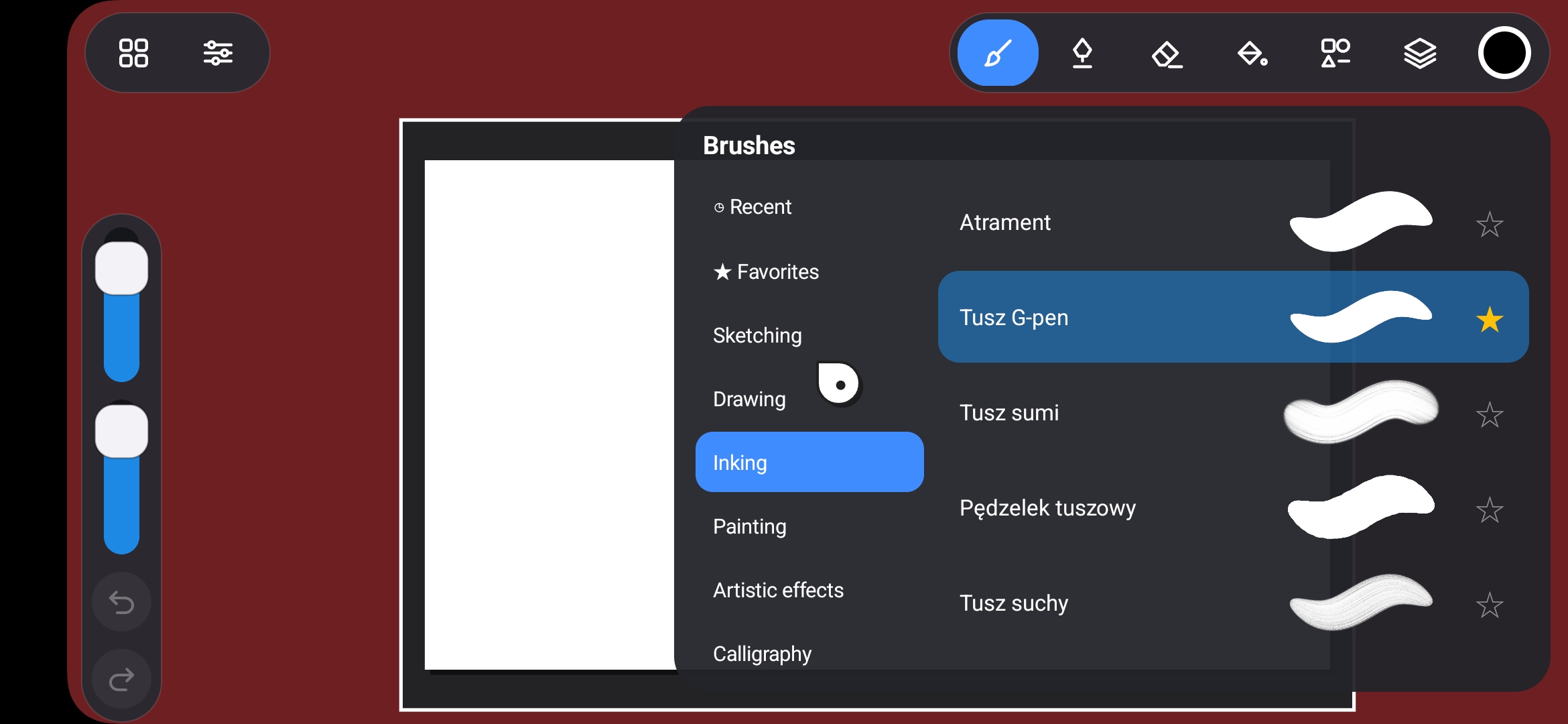
Brushes. 80 brushes in 18 categories — from pencil and ink, through painting, calligraphy, spray, vintage, to abstract, organic, water, and light. Each brush has its own stamp mask, pressure curve, opacity, scatter, grain, and taper. No brush editor — but the library is big, and every brush remembers its size and opacity between sessions.
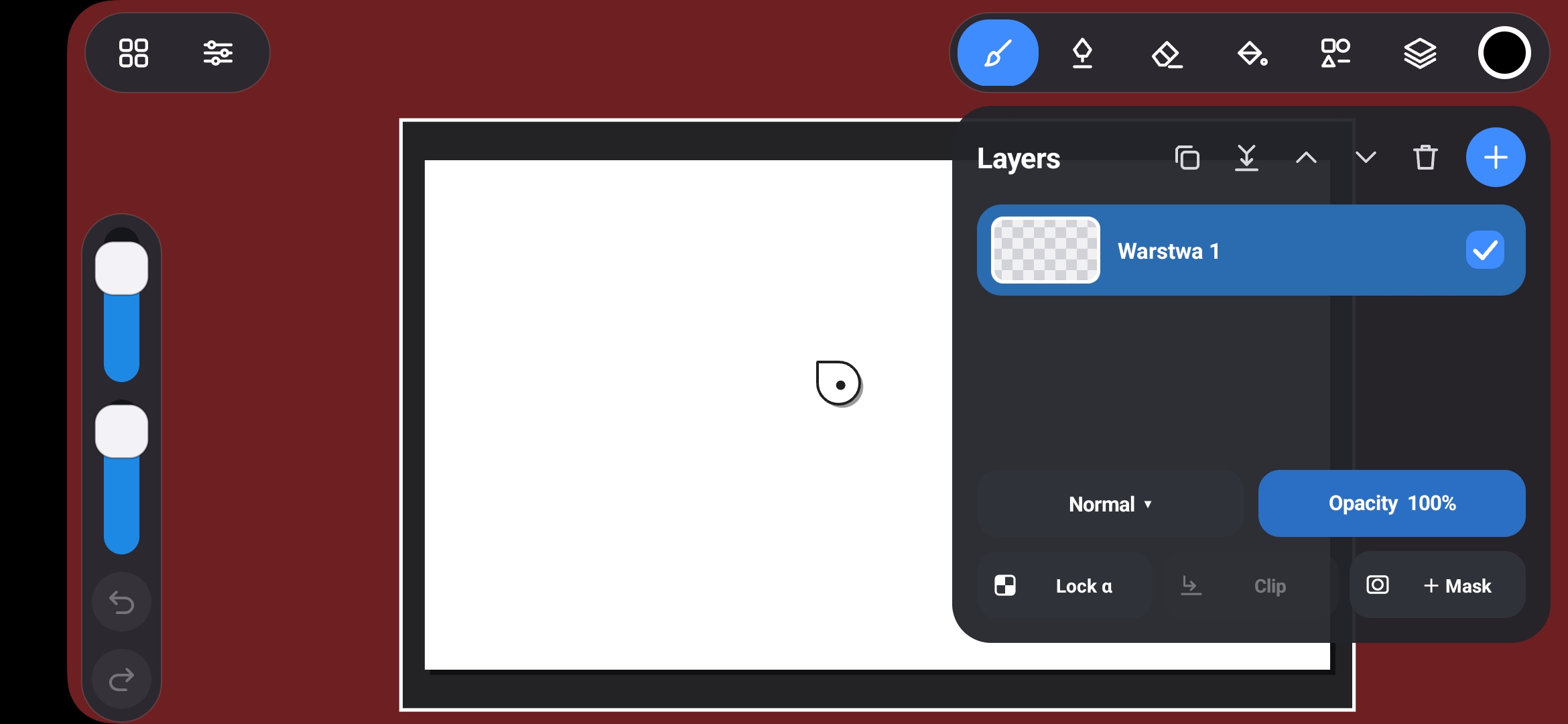
Layers. Up to 12 layers, each with name, visibility, opacity, 7 blend modes, alpha lock, clip (groups), and mask (ALPHA_8, editable with brush, eraser, and bucket). Operations: add, delete, duplicate, merge down, move. Layer thumbnails are generated in the background — drawing doesn't wait for the UI.
History. Undo/redo stack covering all operations: strokes, fills, masks, layers, properties. 80 MB budget, so easily hundreds of steps in a typical session. Each layer has its own change counter, so saving to file doesn't rewrite layers that didn't change.
View. Zoom from 25% to 1000%, pan, handled with finger gestures and held tablet key. Composite cache keeps drawing smooth even with 10+ layers on a big canvas.
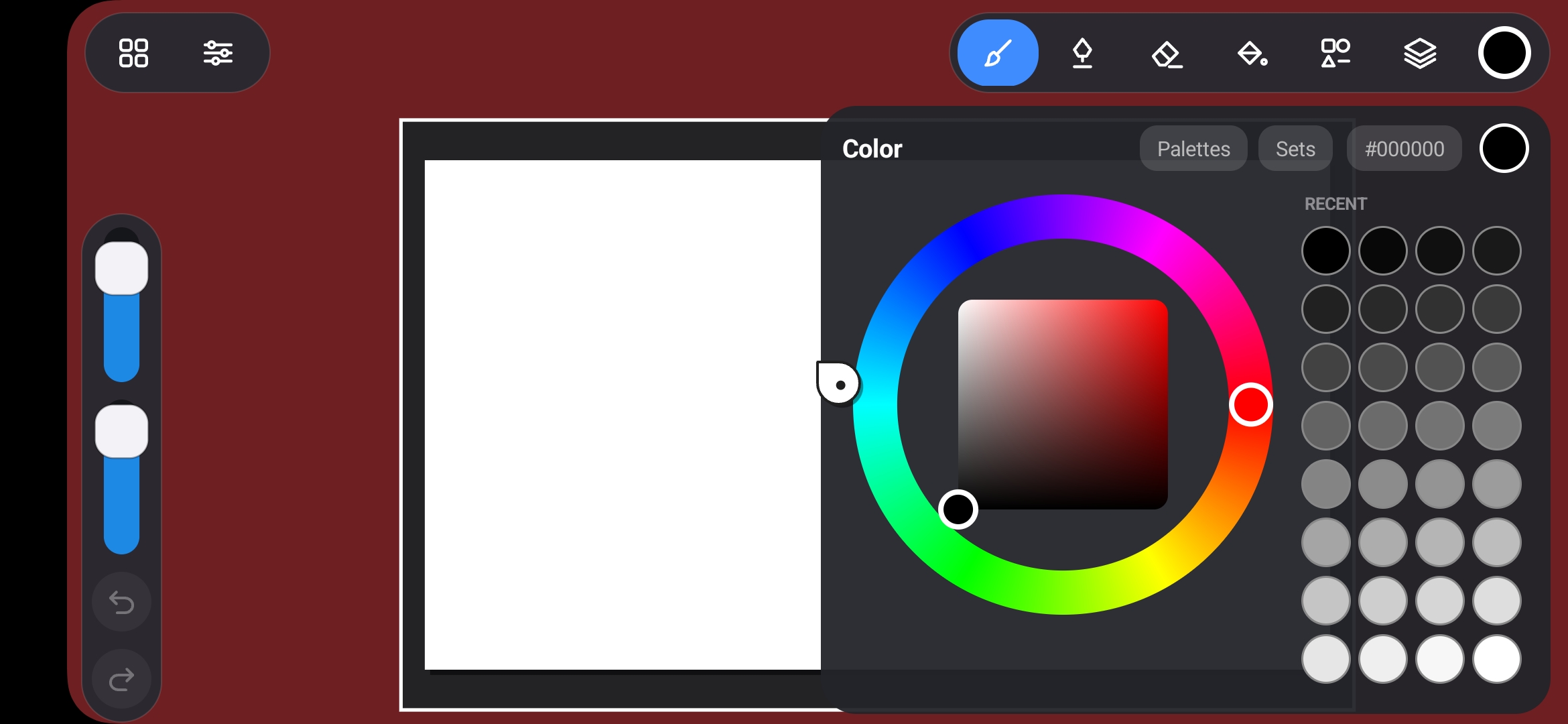
Color. Procreate-style HSV wheel — hue ring plus saturation/brightness square. Type HEX from the on-screen keyboard (3 or 6 characters). History of 8 recent colors plus your own sets saved under a name.
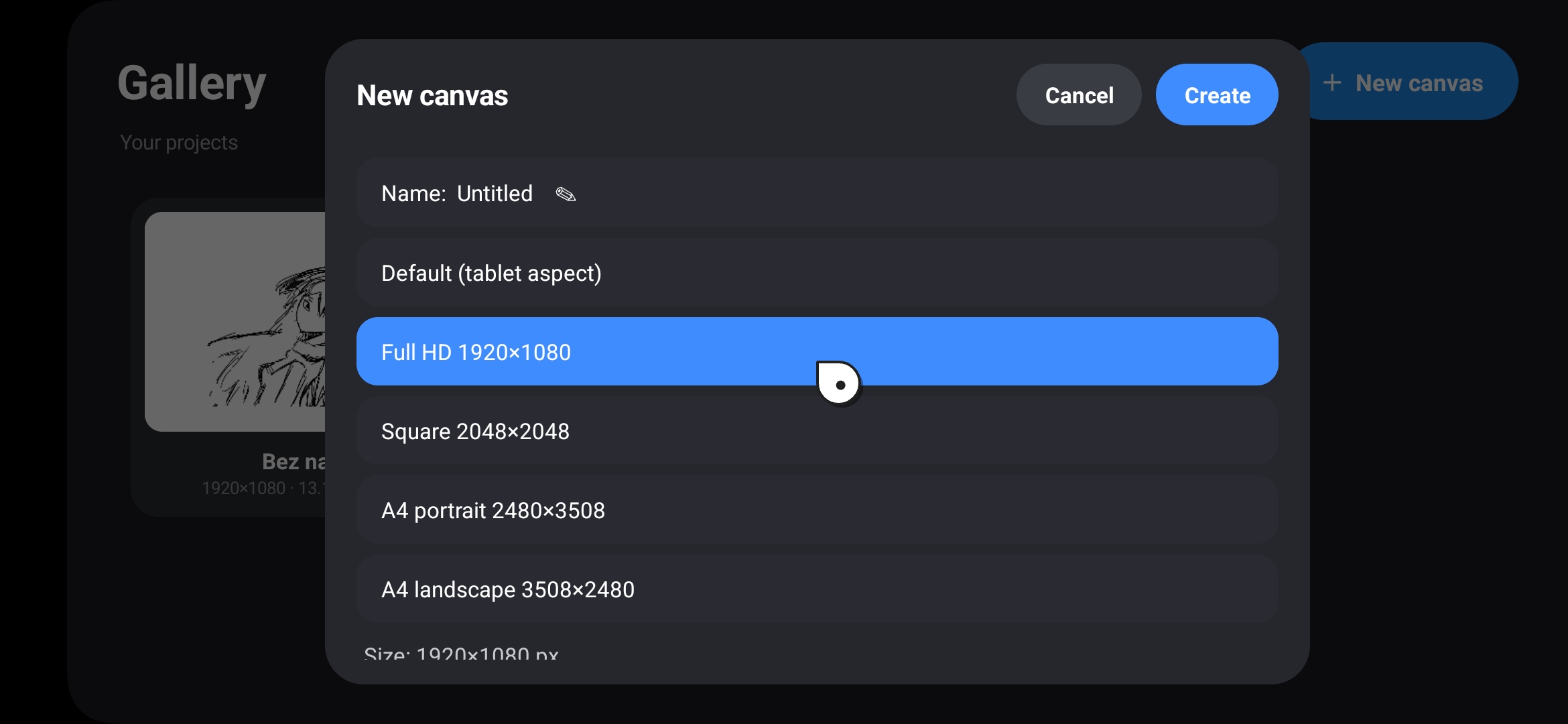
Saving. Own project format: folder with meta.json and PNG files per layer. Atomic save, snapshot taken on UI thread, compression in the background — the pen isn't blocked during saving. Autosave every 45 s. Gallery with work thumbnails, new canvas from 5 presets, rename, delete. Export PNG (with transparency) and JPG (white background) straight to the system gallery.
Import. Own image picker from gallery (MediaStore) — thumbnail grid, click, inserts as a new layer centered and proportionally scaled. All done with the pen, no system window that ignores tablets.
Input. 8 shortcut slots — 6 tablet keys and 2 pen buttons. Assign any of 35 available actions: undo, save, change tool, panel, zoom, palette, layer. 5 hold actions: pan view, snap 45°, eyedropper, eraser, mouse mode. Mouse mode lets you move the pen cursor across the whole UI and click buttons.
Byte monitor. Full-screen raw tablet data view: pen trail field, last report hex, status byte bits, pressure bars, X, Y, event log. Useful when the tablet acts weird, when you want to calibrate ranges, or when you're adding support for another model
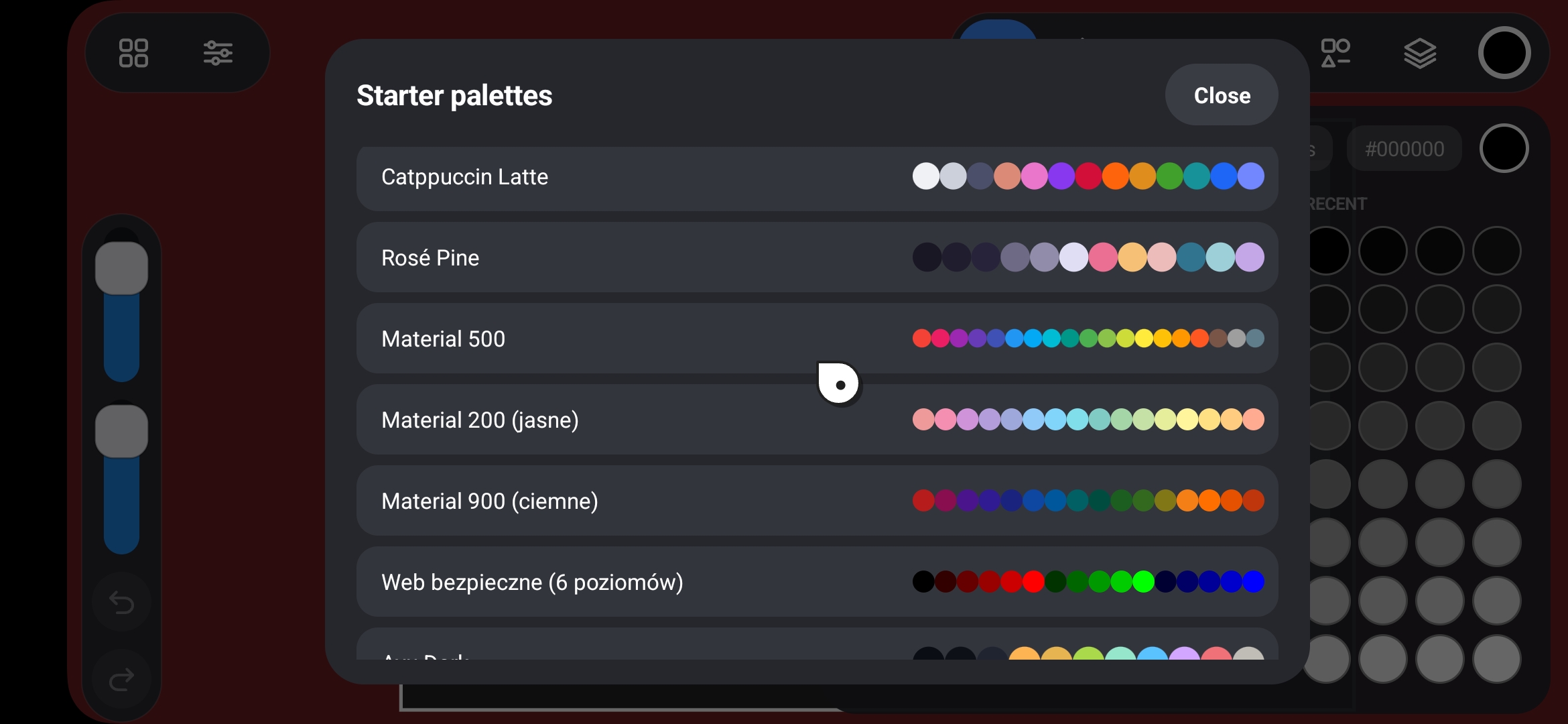
Ready-made color palettes — 200 popular and unique options, ready to use.
Specs
- Android 5+
- ~281 KB APK size (current build)
Tech details
- 100% Java 11
- dexed with D8
- ~11k lines and 41 source files
Download
Click download now to get access to the following files:
Development log
- 1.3 beta test21 day ago
- PenDraw v1.3 beta test!2 days ago
- coming soon - PenDraw v1.33 days ago
Leave a comment
Log in with itch.io to leave a comment.